Keyboard Test Online
Test every key on your keyboard instantly — no download needed. Our free online keyboard tester detects key presses in real time and highlights them on a virtual 104-key layout, so you can quickly check if any keys are stuck, unresponsive, or double-registering.
💡
Press any key on your keyboard to start testing. Keys turn blue when pressed and green when released, indicating they've been tested.
How to Use This Keyboard Tester
Simply press any key on your physical keyboard. The corresponding key on the virtual keyboard lights up blue while held, then turns green once released — confirming it registered correctly. The counter at the top tracks how many keys you've tested out of the full layout. Hit "Reset" to start over.
Why Test Your Keyboard?
A keyboard test helps you identify problems before they cost you a game, a deadline, or your sanity. Common issues this tool detects include keys that don't register at all, keys that double-type with a single press (chattering), modifier keys like Shift or Ctrl that are stuck, and ghosting — when certain key combinations fail to register simultaneously.
This keyboard tester works with any USB, wireless, Bluetooth, or built-in laptop keyboard. It runs entirely in your browser and works on Windows, Mac, ChromeOS, and Linux — no installation or account required.
Recommended Gear
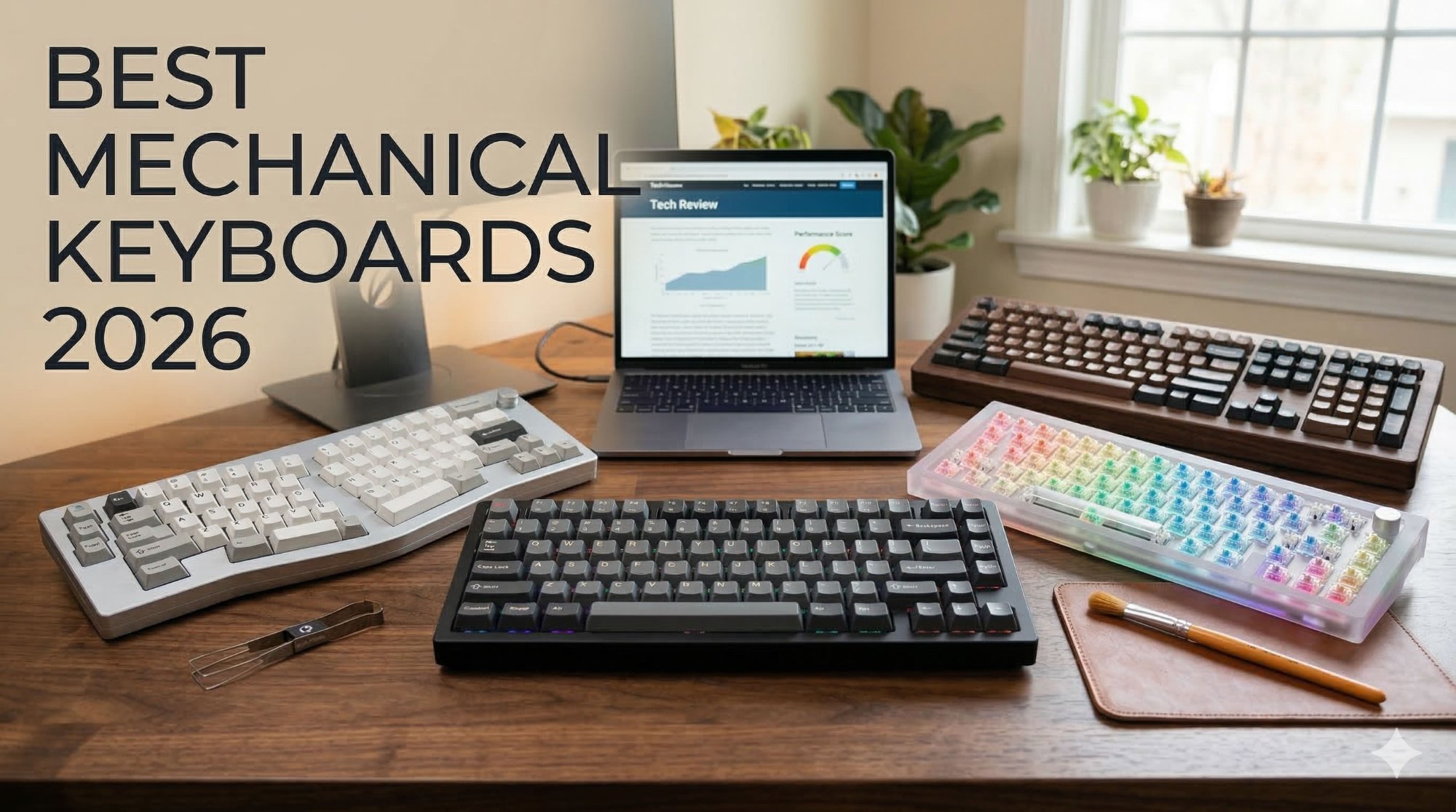
Popular Mechanical Keyboards
Upgrade your typing and gaming experience with top-rated mechanical keyboards.
See Top Picks →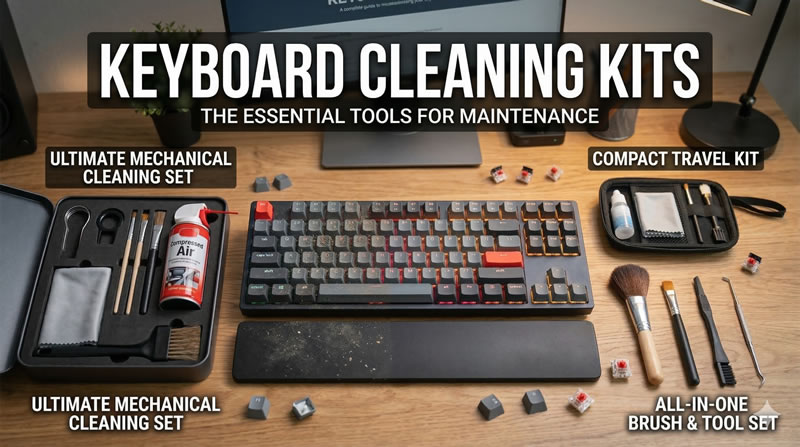
Keyboard Cleaning Kits
Keep your keyboard clean and dust-free for better performance.
View Details →