Microphone Test Online
Test your microphone instantly — no download required. This free online mic tester shows a live waveform, real-time volume meter, and device information. You can also record a sample and play it back to hear exactly how your mic sounds before a call, stream, or recording session.
Volume
0%
Device Name
—
Sample Rate
—
How to Use This Microphone Tester
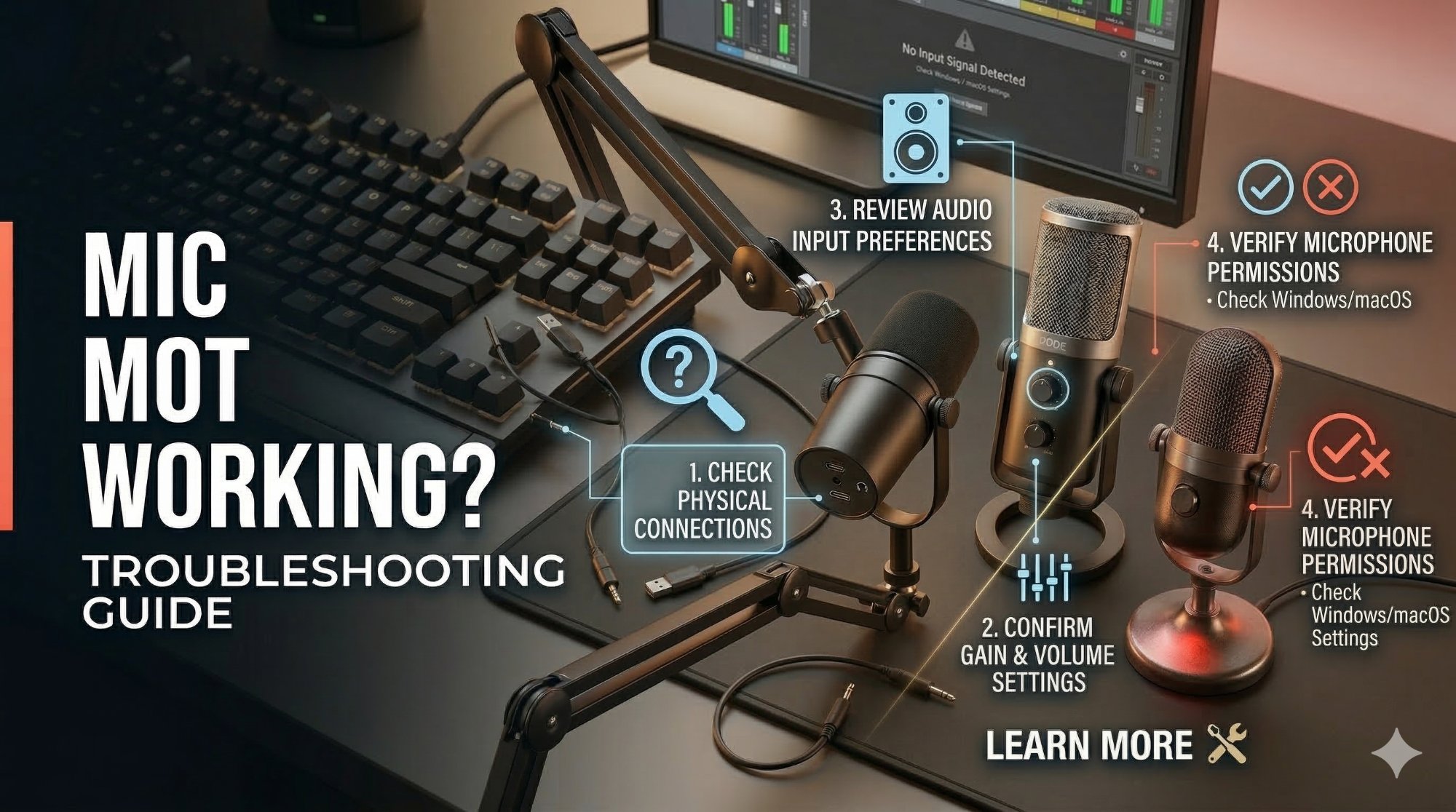
Click "Start Microphone Test" and allow browser access when prompted. Speak into your mic — if the waveform moves and the volume meter responds, your microphone is working. The device info panel shows which mic is active, its sample rate, and channel count. Click "Start Recording" to capture a sample, then play it back to check audio quality and clarity.
Why Test Your Microphone?
A quick microphone test before an important Zoom call, podcast recording, or live stream can save you from the embarrassment of discovering your mic isn't working after you've already started. Common problems this tool helps detect include a mic that isn't being recognized by your system, input volume set too low, the wrong microphone selected as your default device, and background noise or distortion issues.
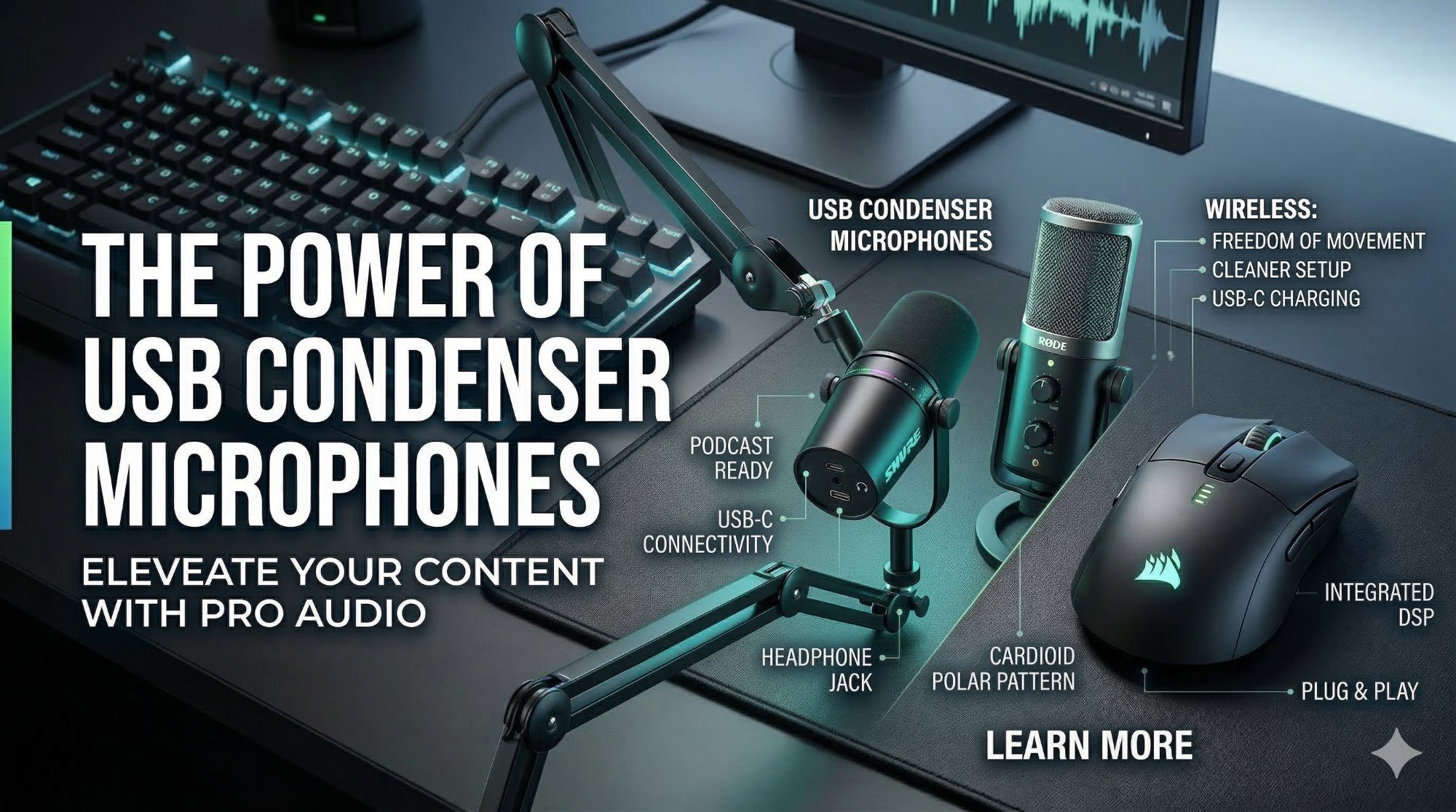
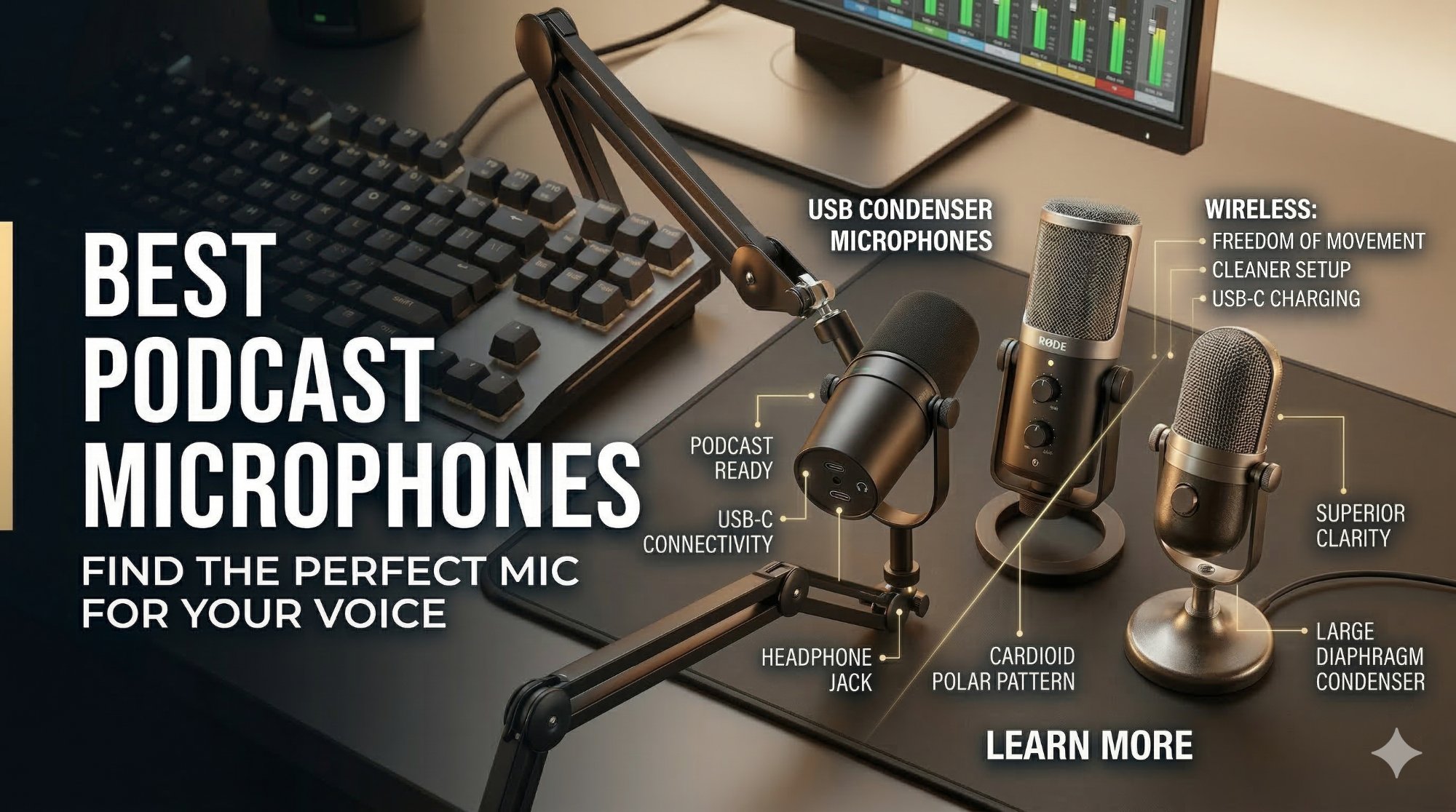
This microphone tester works with any USB, wireless, Bluetooth, headset, or built-in laptop mic. It uses the Web Audio API and runs entirely in your browser on Windows, Mac, ChromeOS, and Linux — your audio is never sent to any server.
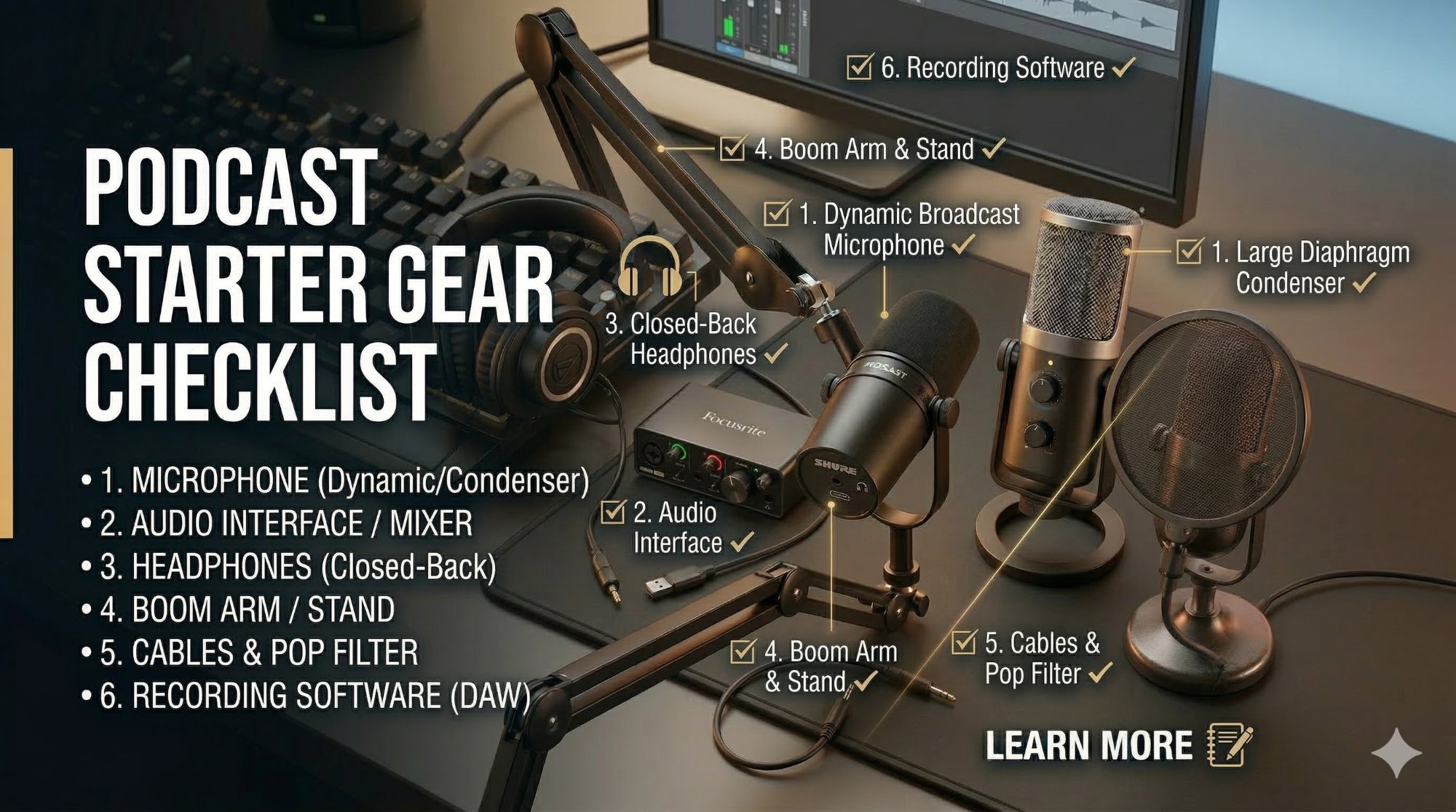
Recommended Gear